Switching from Wave
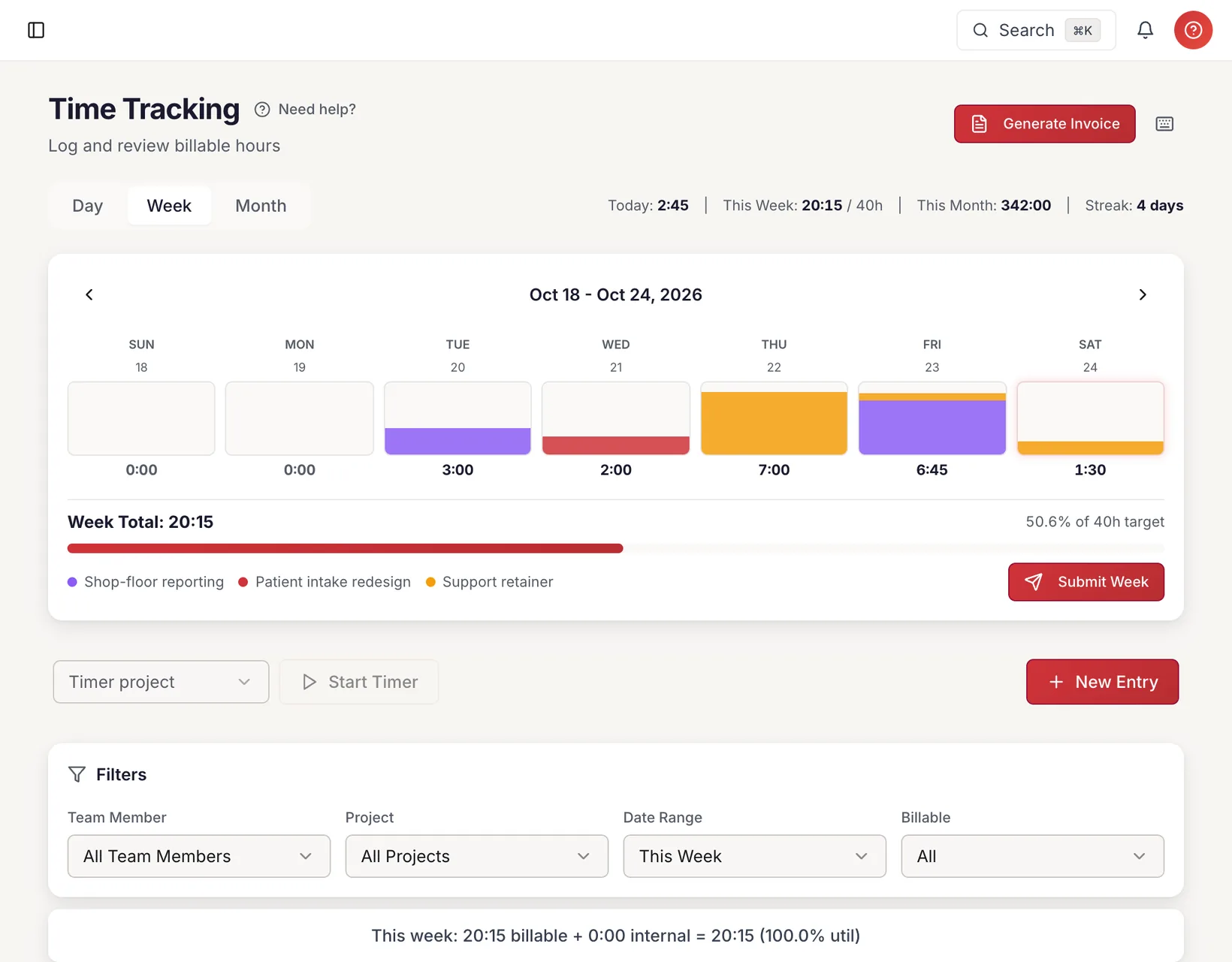
Wave covers the books. Add the hours behind them.
Wave gives small businesses free invoicing and double-entry bookkeeping, but it doesn’t track time. CherryWorks Pro puts timesheets, invoices built from billable hours, contractor payouts and client support on top of a full general ledger.
14 days on Professional. You won’t be charged until day 15 · Cancel anytime
Why firms outgrow Wave
Wave is a good free start. Firms that bill by the hour tend to hit the same few gaps.
No time tracking
Wave doesn’t track time, so billable hours live in a separate tool or a spreadsheet before they reach an invoice.
Paying contractors costs extra
Wave Payroll is $40 a month plus $6 per employee and $6 per contractor paid, at US list price.
No place for client support
Wave doesn’t include a help desk, so client requests and the hours spent on them are tracked somewhere else.
Wave and CherryWorks Pro, side by side
Wave’s details are its published list prices and features as of October 2026. Check the vendor’s site for current terms.
| What | CherryWorks Pro | Wave |
|---|---|---|
| Pricing | CherryWorks ProPer firm: $39, $89 or $159 a month. Unlimited users on every plan; Starter is limited to 5 clients and 3 projects. | WaveStarter is free; Pro is $19 a month ($190 a year) |
| Time tracking | CherryWorks ProTimers and weekly timesheets; approvals on Professional and up | Wave— |
| Invoicing from time | CherryWorks ProInvoices built from billable hours, sent from your own Microsoft 365, Google or SMTP mailbox | Wave— No tracked time to invoice from; invoices and estimates are unlimited |
| Online payments | CherryWorks ProClients pay by card or ACH; payments post to the ledger | WaveCard 2.9% + $0.60 (Visa, Mastercard, Discover); bank payments 1%, $1 minimum |
| Paying contractors | CherryWorks ProEach person’s hours × their cost rate; pay contractors through Stripe Connect or record a payment (Professional and up). W-2 staff stay on your payroll. | WaveWave Payroll: $40 a month plus $6 per employee and $6 per contractor paid |
| Client support | CherryWorks ProSupport cases and a client Help Center on Professional and up; hours logged on a case can be billed | Wave— |
| General ledger | CherryWorks ProDouble-entry general ledger on every plan; bank feeds on Professional and up; period closes on Business | WaveYes, double-entry, with journal entries |
What Wave does well
- A free Starter plan with unlimited invoices, estimates and bookkeeping records
- Double-entry accounting with journal entries
- Pro at $19 a month, list price
- Payroll that pays employees and contractors and prepares 1099s
Also in CherryWorks Pro
- Marketing Hub on Business: contacts, companies, campaigns and sequences, beside your clients
- 19 built-in reports, including project profitability, utilization, AR aging and a 1099 export
- Estimates your clients accept online, recurring invoices, dunning and payment plans
- Every hour moves from unbilled to invoiced to pending payout to paid, and team members can see their own
- Expense reports with approval, and bank reconciliation on Professional and up
Sources for Wave, checked October 2026:
Moving from Wave
The import wizard reads the CSV files Wave exports. Nothing is written to your books until you’ve reviewed a dry run.
Export from Wave
Use Settings → Data Export → Download all data for a ZIP of CSV files, or export customers from Sales → Customers → Export CSV.
Upload and check
Upload up to ten files at once. CherryWorks Pro works out what each file holds from its header row and checks every file for problems before you go further.
Review, then import
Choose what to bring across and the date ranges, review the dry run, then run the import. An admin can roll back a completed import, which removes the records it created.
What comes across from Wave: clients, invoices and their payments, and past contractor payments from an expense export. Wave doesn’t track time, so there are no time entries to bring.
The import wizard is on Professional and Business. The 14-day trial runs on Professional, so you can import your own data and send a real invoice before you’re charged.
Marketing Hub · Business plan
Find the next client in the same system.
Marketing Hub adds contacts, companies, segments, email campaigns, sequences that stop on a reply, and an AI chat for your own website. Prospects stay apart from your clients, so outreach never touches your invoices or reports.
Try it with your Wave data.
Fourteen days on Professional, import wizard included. Bring your history across and see what your team is owed.
14 days on Professional. You won’t be charged until day 15 · Cancel anytime